Table of Contents

Before starting:
-
Make sure you have Node.js version 4.0.0 or higher installed.
- Check your Node version in your terminal/console:
node -v -
Make sure you have npm version 3.0.0 or higher installed:
- Check your npm version in your terminal/console:
npm -vYou can download Node and npm, and it's also helpful to have nvm for node version management.
More specific details are available at the Angular 2 official docs or its corresponding GitHub README documentation.
Create Angular 2 Starter Application (Three Steps)
-
Clone the repository:
git clone https://github.com/dankreiger/angular2-starter-shell-script.git
-
Change into the project directory:
cd angular2_starter_shell_script -
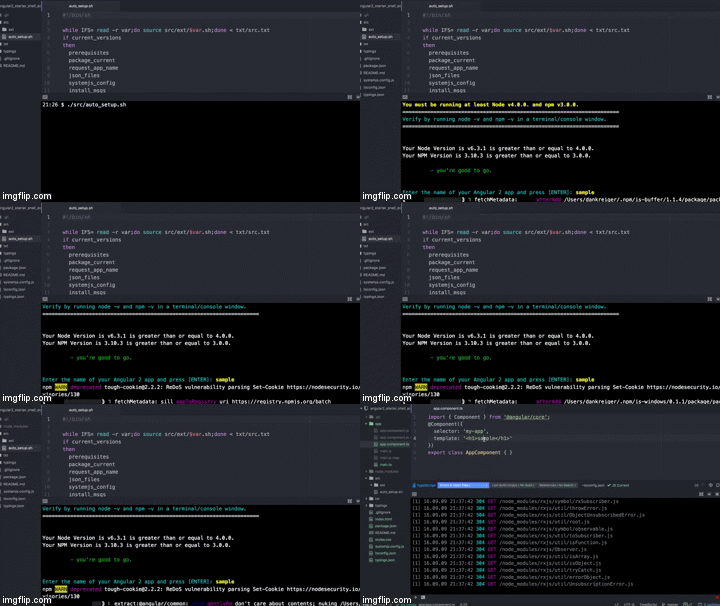
Run the script:
./src/auto_setup.sh
Give your starter app a name:

Your default browser should open momentarily displaying your new Angular 2 starter app.
Expectations
-
The last command
npm startwill run two parallel node processes (as stated in the Angular 2 docs):- The TypeScript compiler in watch mode
- A static server called lite-server that loads
index.htmlin a browser and refreshes the browser when application files change
Your default browser should open and display your new Angular 2 starter application.